Hunt Visuals
The signature, as a card
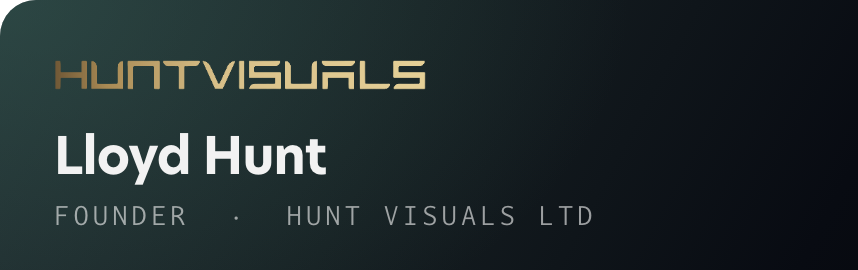
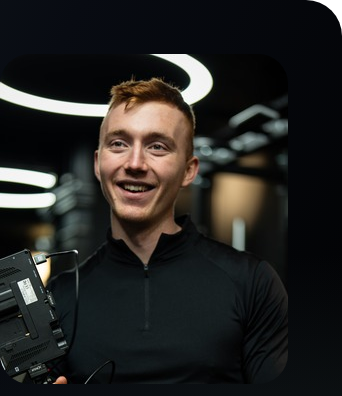
Ink card, gold mark, the two chips, your photo, and a steel green band with the Google and Trustpilot scores. Built on the CRE layout you sent, in the HV system.
01 / The signature
400px wide, and the card is rendered in the real brand faces. New Hero and Darkmode Mono do not load in Gmail, so the card is eight image slices, each one a link, which is the only way the fonts survive. Corners are transparent so it sits on white or on Gmail dark mode. No footer line.
White
|
|
|||||||
| ||||||||





Gmail dark mode
Every slice is a hosted PNG on hv-email.pages.dev, not pasted artwork, which Gmail turns into a fuzzy attachment. Anyone blocking remote images gets the alt text: your name, role, email, site and the scores. The Google score is 5.0 from 30 reviews and Trustpilot is 4.8 from 47, both read live on 15 Sep 2026. When either moves, the numbers are two edits in this page.
02 / The plain one
The August block, kept for replies deep in a thread where a card is too much.
White
| Lloyd Hunt |

|

|
| Founder · Hunt Visuals Ltd |
| hv@huntvisuals.com | Instagram | Website |
Gmail dark mode
03 / Profile picture
The HV monogram, rebuilt from the exact letterforms in the wordmark. Google crops to a circle, so both are designed for that.
A: Gradient ground
White mark on a gradient ground. Loudest at small sizes, which is where it actually lives.

B: Dark ground
Gradient mark on near black. Quieter in an inbox full of white.
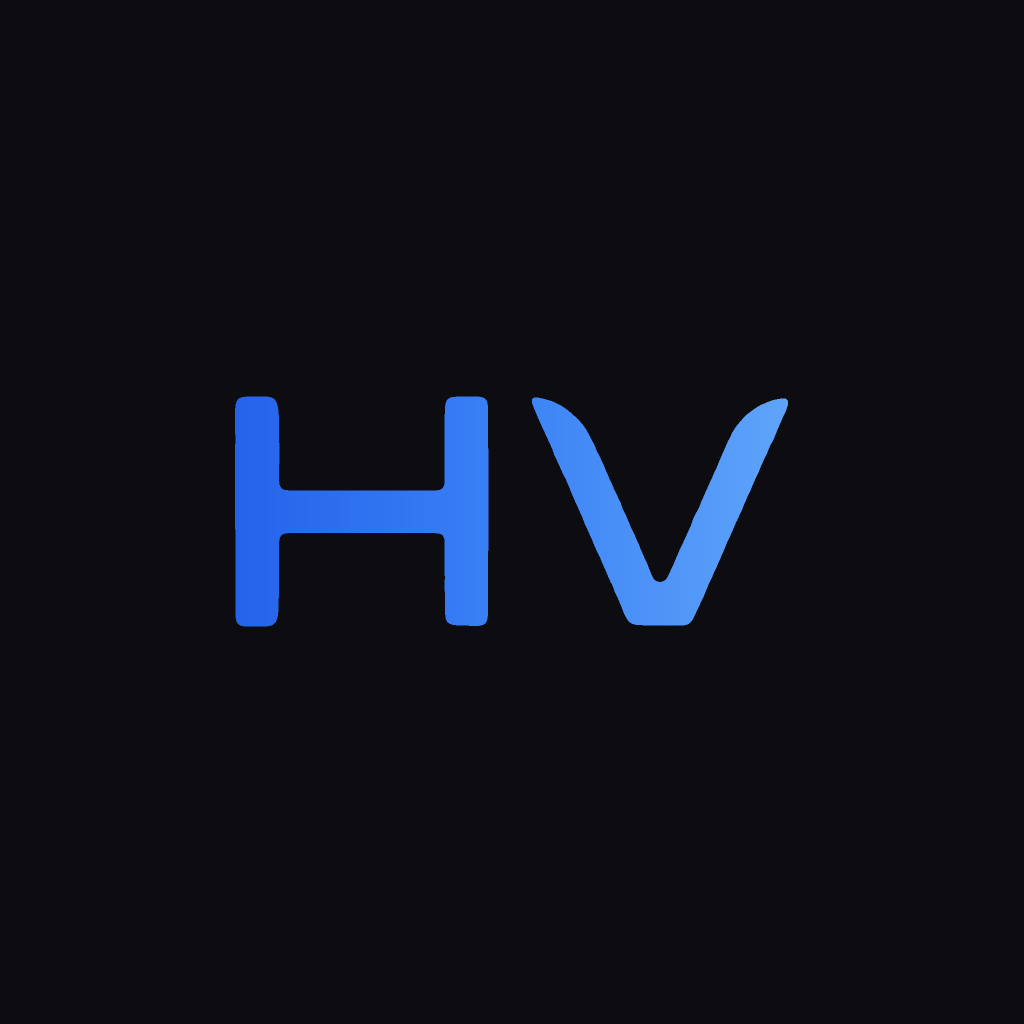
Both avatars are still the retired blue system, built before the gold identity landed. They do not match the new signature. Say the word and they get rebuilt in gold on black.
04 / Putting it live
Two minutes.
The signature
- Hit Copy signature above.
- Gmail → Settings (gear, top right) → See all settings.
- Scroll to Signature, select everything in the current box and delete it.
- Paste with
⌘V, not paste as plain text, or you lose the mark. - Scroll to the bottom and hit Save Changes. Gmail does not save on its own.
The profile picture
- Download A or B above.
- Go to myaccount.google.com/personal-info and click your current photo.
- Upload, keep the crop, save.
- It can take an hour to show up everywhere. Gmail, Calendar invites, Meet.
The mark loads from hv-email.pages.dev. If that Cloudflare project is ever deleted the signature quietly loses its logo, so leave it live.